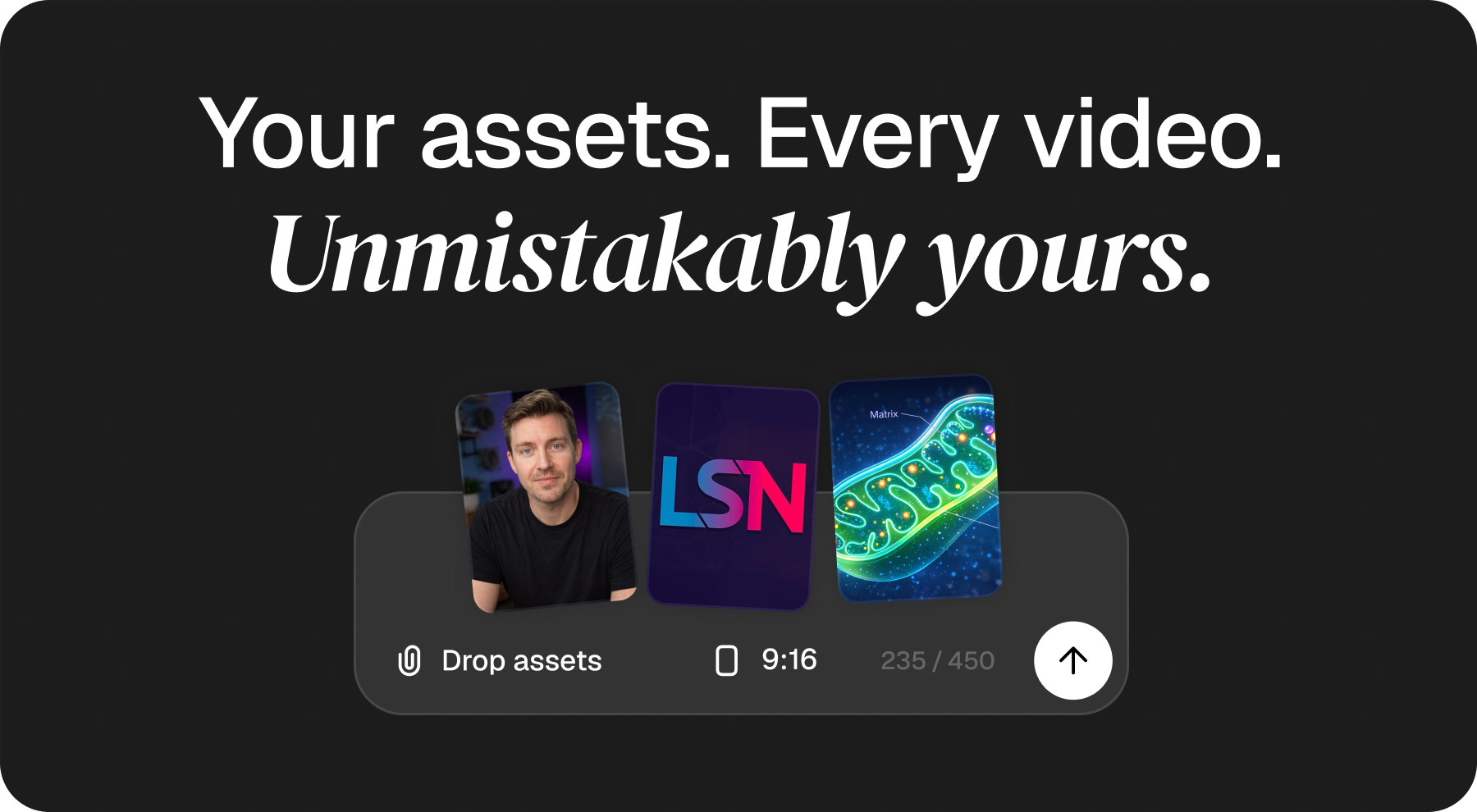

Higgsfield is an AI creative platform with image and video creation and editing workflows. Its official website presents tools for generating visuals, applying effects and developing creative projects. This guide explains what to check before choosing a plan; it does not claim firsthand performance testing or guarantee a particular result.
Start with the workflow you need
Define whether you need images, video, editing or effects, then check the relevant tool in the current interface. Confirm supported inputs, available controls, output formats and any plan restrictions. A feature shown in a demonstration may have different access or usage conditions for your account.
Model names and capabilities can change. The service terms explain that models and features may be added, replaced or removed. Choose based on your current requirements rather than expecting permanent access to one named model.
Check credits and subscription conditions
Review the current plans and the account checkout before subscribing. Compare included credits, which actions consume them, output limits, billing frequency and any additional charges. Do not assume that every tool or model has the same credit cost.
The terms describe automatic subscription renewal. Confirm the renewal amount and cancellation procedure before paying. They also state that subscription credits do not roll over to the next billing period. Check the conditions of any credit pack separately. This guide does not promise a fixed price, unlimited usage, a free trial or an active discount.
Review inputs, rights and generated results
Only upload material you are authorized to use. The terms require appropriate rights and permissions for content, including identifiable faces and voices. Review the applicable service and model terms before using outputs for a client or commercial project; do not treat an AI output as a guarantee that third-party rights have been cleared.
Inspect results before publication. Check consistency, text, visual artifacts and whether the output follows the brief. Keep copies of important files and review the provider’s current data-use and retention terms before uploading confidential material.
Check refunds and support before committing
Refund eligibility can depend on the purchase type, timing and credit usage. Read the current terms before spending credits instead of assuming any unused subscription can be refunded. For account-specific questions, consult the official help center. Access and features remain subject to the provider’s eligibility rules and current availability.
Before you subscribe
- Identify the workflow and output requirements.
- Confirm model and feature access for your plan.
- Compare credits, limits and the complete checkout amount.
- Read renewal, cancellation and refund conditions.
- Check permissions for input material and review outputs.
Frequently asked questions
Is every featured tool included in every plan?
Do not assume so. Confirm current access and usage limits for the chosen plan.
Do unused subscription credits carry forward?
The inspected terms state that subscription credits expire at the end of their billing period. Check any separate conditions for additional credit purchases.
Does this guide include a discount code?
No. Confirm current pricing and any promotional conditions directly with Higgsfield.
Relevant recommendation
Higgsfield AI image and video creation tools
Continue to the partner only when this recommendation is useful for your decision.
View dealOpens the partner website